

Every iPhone user knows the struggle: your device freezes, apps misbehave, and you’re left staring at a screen that seems to have taken a permanent vacation. Before you start contemplating a life without your trusty iPhone 14, there’s a quick fix that can save the day—a hard restart. It’s like a refreshing cup of coffee for your phone, waking it up from its digital slumber and getting it back in action.
Overview of Hard Restarting
Hard restarting an iPhone 14 serves as an effective solution for resolving various issues, including freezing and unresponsive applications. This process involves forcing the device to shut down and restart, which can clear temporary glitches. Performing a hard restart refreshes the internal system, allowing it to operate smoothly once again.
Users can initiate a hard restart easily. They must first press and quickly release the volume up button, then press and quickly release the volume down button. Next, pressing and holding the side button until the Apple logo appears completes the process. Executing these steps usually takes only a few seconds.
Knowing when to hard restart can help users avoid frustration. Frequent freezing, unresponsive touch screens, or apps crashing often indicate that a restart is necessary. A hard restart is different from a regular restart; it reinitializes more components within the operating system.
The effectiveness of a hard restart has made it a recommended troubleshooting step by many tech guides. It works without affecting personal data or applications on the device. This method proves beneficial in quickly addressing temporary issues without complicated settings modifications.
Understanding how to hard restart an iPhone 14 enables users to manage minor problems independently. Addressing these common issues promptly can extend the longevity and efficiency of the device, contributing to a better user experience.
Step-by-Step Guide on How to Hard Restart iPhone 14
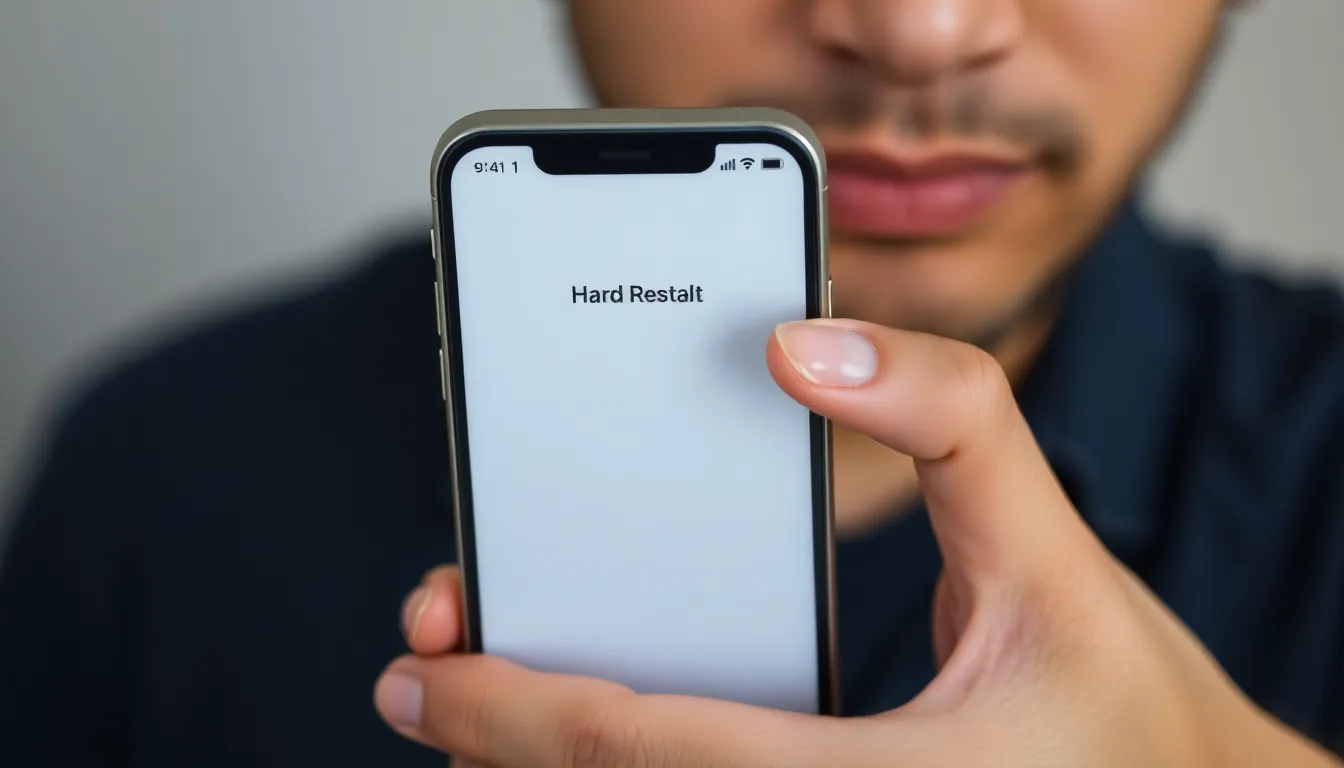
A hard restart resolves many common issues like freezing or unresponsive screens. Follow these steps to effectively restart your iPhone 14.
Step 1: Press and Quickly Release Volume Up Button
Start the process by pressing the volume up button on the left side of the device. That button must be pressed and released quickly. This action sends a signal to the operating system without altering any settings. Witness an immediate response from your iPhone as you proceed to the next step.
Step 2: Press and Quickly Release Volume Down Button
Next, press the volume down button located just below the volume up button on the same side. This button also needs a quick press and release. It plays a crucial role in the hard restart sequence, prompting the device to prepare for a full reset. After this action, the iPhone is ready for the final step.
Step 3: Press and Hold the Side Button
Finish the procedure by pressing and holding the side button until the Apple logo appears. Keep holding the button for several seconds. The screen might go blank initially, but continue holding until you see the logo. Upon its appearance, you can stop pressing the button. Your iPhone 14 will then restart successfully, clearing temporary glitches.
Common Issues and Troubleshooting
iPhone users often face issues that can disrupt their experience. Understanding common problems and their solutions helps maintain device functionality.
Issue 1: iPhone Doesn’t Respond
The device may become unresponsive due to software glitches or temporary freezes. Users commonly encounter this issue during high-demand tasks. Performing a hard restart typically remedies this situation, as it refreshes the operating system. If the iPhone doesn’t respond at all, charging the device for a few minutes can help; sometimes, the battery might be completely drained. It’s essential to check for software updates after a hard restart, ensuring the system runs smoothly. Regularly updating the device can prevent these freezes from becoming a frequent concern.
Issue 2: Hard Restart Not Working
Occasionally, users find that a hard restart doesn’t resolve the issue. This may indicate a more serious underlying problem with the operating system or hardware. In this case, checking the buttons and ensuring they are functional is critical, as stuck or non-responsive buttons can interfere with the restart process. If issues persist, backing up data and performing a factory reset may be necessary. Also, reaching out to Apple Support can provide additional options and insight for deeper problems. It’s vital to address these concerns promptly to maintain optimal device performance.
Benefits of Hard Restarting Your Device
Hard restarting an iPhone 14 offers several benefits that enhance device performance and user experience. It clears temporary glitches that can prevent smooth operation. Users often notice improved responsiveness after performing this simple step.
Performance issues such as app crashes and freezes frequently arise from minor software bugs. A hard restart reinitializes the phone’s operating system to eliminate these irritating problems. Many users find that this quick action resolves issues without the need for extensive troubleshooting.
Enhanced battery life can also result from a hard restart. This action closes background processes that drain energy, allowing the device to function more efficiently. Users who frequently experience rapid battery depletion may appreciate this benefit.
Regular hard restarts can prolong the lifespan of the device. By keeping the system running smoothly, users minimize the risk of creating more significant problems down the line. Prevention is key when it comes to maintaining optimal performance.
Moreover, after encountering unusual behavior, users may find that a hard restart restores their device to normal functioning. This quick fix serves as an immediate solution before resorting to other troubleshooting methods. A solid understanding of how and when to perform a hard restart empowers users to take control of their iPhone experience.
Tech experts recommend this technique as an essential troubleshooting step, emphasizing its role in managing minor problems independently. Regularly incorporating hard restarts into device maintenance routines helps users stay ahead of potential issues. Ultimately, a hard restart enhances overall usability, making iPhone 14 users more confident in their device’s performance.
Mastering the hard restart for the iPhone 14 is a valuable skill for any user. This quick and effective method not only resolves common issues but also enhances overall device performance. By knowing when and how to perform a hard restart, users can tackle minor glitches independently and maintain a smooth experience.
Regularly applying this technique can lead to improved responsiveness and even better battery life. As technology evolves, staying informed about troubleshooting methods like hard restarting ensures that users can enjoy their devices to the fullest. For those persistent issues, seeking further assistance from Apple Support remains a wise choice.